
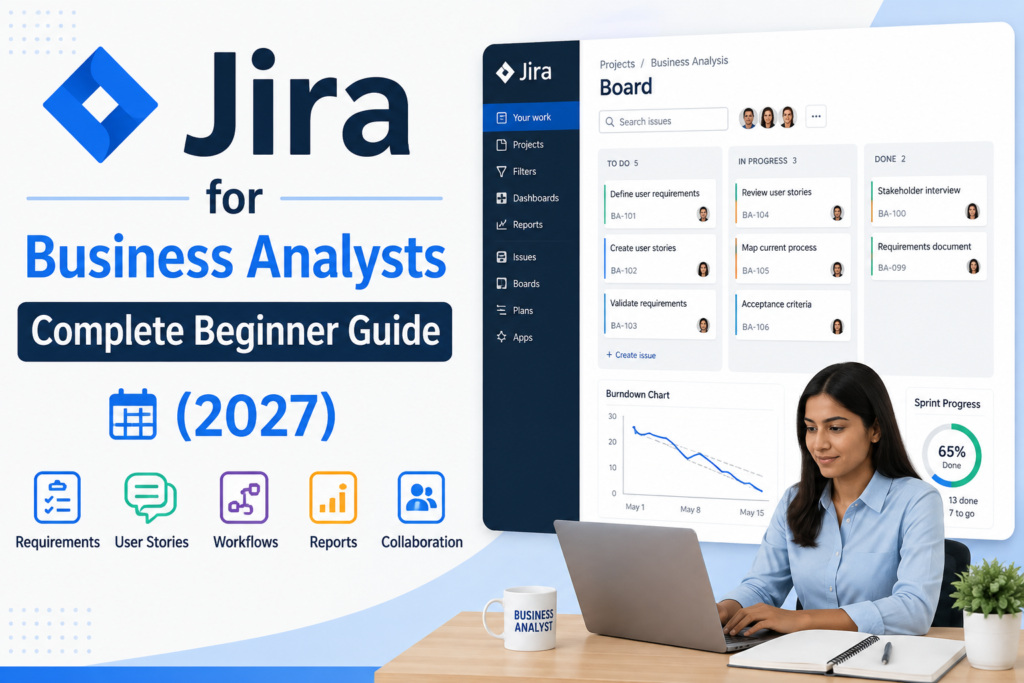



Jira for Business Analysts is one of the most practical skills a beginner analyst can build in 2027, since most Agile teams across Australia now manage requirements, backlogs and stakeholder communication directly inside Jira rather than in spreadsheets or email. For analysts working in Sydney, Melbourne, Brisbane, Perth, Adelaide and Canberra, knowing how to navigate Jira confidently is quickly becoming a baseline expectation rather than a bonus skill.
What Is Jira and Why Do Business Analysts Use It?
Jira is a project and issue-tracking tool built by Atlassian, originally designed for software development teams and now widely used across Agile business environments. Business analysts use Jira to capture requirements as epics and user stories, manage a product backlog, track the status of change requests, and give stakeholders visibility into delivery progress without needing constant manual status updates.
According to Atlassian’s own documentation, Jira is built around issues the individual units of work such as stories, tasks, bugs and epics that can be organised into backlogs, sprints and boards, which is exactly the structure most BAs work within day to day.
Getting Started With Jira for Business Analysts
For a beginner, the fastest way to become useful in Jira is to focus on a small set of core actions rather than trying to learn every feature at once.
- Creating and prioritising a product backlog
- Writing clear user stories with acceptance criteria
- Breaking large requirements down into epics and smaller stories
- Using boards (Scrum or Kanban) to track sprint or workflow progress
- Linking related issues to keep requirements traceable
Most BA-specific Jira work happens in the backlog and board views, so beginners can become productive quickly without needing deep administrator-level configuration knowledge.
Key Jira Features Every Business Analyst Should Know
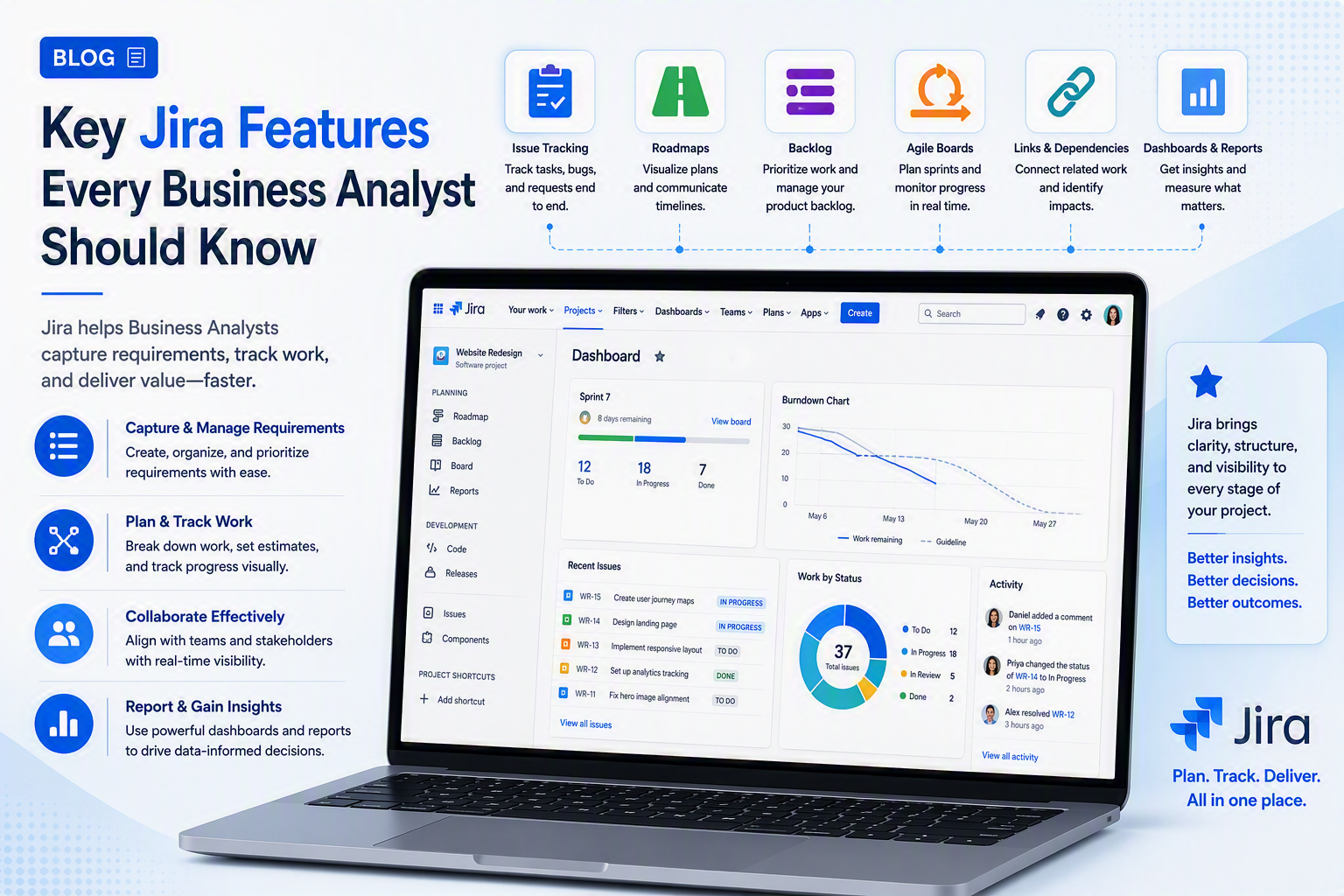
1. Epics and user stories
Epics represent large pieces of work or features, broken down into smaller user stories that describe a specific requirement from the end user’s perspective, usually with clear acceptance criteria.
2. Backlogs
The backlog is the prioritised list of all outstanding work. BAs are often responsible for keeping this backlog groomed, clearly written and prioritised in collaboration with the product owner.
3. Boards (Scrum and Kanban)
Boards give a visual view of work moving through stages such as To Do, In Progress and Done, which BAs use to track delivery and answer stakeholder questions about status.
4. Reports and dashboards
Jira generates built-in reports such as burndown charts and velocity reports, which BAs can use to communicate progress to stakeholders without manually compiling updates.
Benefits for Australian Business Analysts Using Jira
Jira adoption is strong across Australian industries, and BAs who are confident in the tool are often trusted with more responsibility earlier in their careers.
- Sydney — finance and insurance teams relying on Jira for regulatory and project delivery tracking
- Melbourne — retail and logistics businesses using Jira boards to manage change requests
- Brisbane — government-adjacent and resources teams using Jira for structured requirements tracking
- Perth — mining and energy companies using Jira to manage cross-functional project backlogs
- Adelaide — health and manufacturing teams adopting Jira for Agile delivery visibility
- Canberra — government departments using Jira within structured, audit-friendly delivery frameworks
Industry commentary continues to note that Agile and Jira-based delivery remain the standard operating model across most modern software and business transformation teams, which keeps Jira skills firmly in demand for business analysts.
Jira Skills vs Traditional BA Documentation Methods
A common question from beginners is whether Jira replaces traditional BA documentation skills. It doesn’t Jira changes how requirements are tracked and communicated, not the underlying analysis skill itself.
| BA Task | Without Jira | With Jira |
| Requirements tracking | Scattered across docs and email | Centralised as epics, stories and tasks in one backlog |
| Stakeholder visibility | Manual status updates | Live boards and dashboards show progress in real time |
| Change requests | Tracked in spreadsheets | Logged as tickets with full history and approvals |
| Sprint planning | Manual coordination with dev team | BA collaborates directly in sprint backlog and boards |
| Reporting to stakeholders | Manually compiled reports | Built-in reports (burndown, velocity, status) generated automatically |
Strong requirements-writing and stakeholder-management skills remain just as important; Jira simply gives BAs a shared, structured place to apply them.
How This Is Changing Business Analyst Careers in Australia
As Jira for Business Analysts becomes a standard expectation, employers are increasingly listing Jira as a required or preferred skill in BA job ads. This connects directly to the broader skills and salary trends covered in our Business Analyst salary guide for 2026.
For analysts also weighing which certification to pursue alongside practical tools like Jira, our Business Analyst certification comparison breaks down AgileBA, CBAP, PMI-PBA and IREB.
Getting Started With a Business Analyst Course
If you’re preparing for Jira for Business Analysts roles, the most efficient path is a structured course that covers both core business analysis skills and practical Jira workflows. Logitrain’s business analyst course is delivered by certified trainers across Australia, with options for learners in Sydney, Melbourne, Brisbane, Perth, Adelaide and Canberra, either in person or live online.
For the full range of IT and business training options, Logitrain’s complete course catalogue at logitrain.com.au covers complementary skills that support a well-rounded business analyst career.
Frequently Asked Questions
Do business analysts need to know how to use Jira?
In most Australian organisations running Agile or Scrum delivery, yes BAs are expected to write and manage requirements as epics, stories and tasks directly inside Jira.
Is Jira difficult to learn for a business analyst?
The core BA workflow in Jira creating stories, managing a backlog, linking requirements is straightforward to pick up, though advanced configuration (workflows, automation, JQL) takes more practice.
What is the difference between Jira and Confluence for BAs?
Jira is used to track and manage work items such as stories, tasks and bugs, while Confluence is typically used alongside it for writing detailed requirements documents, user stories and meeting notes.
Is Jira used across Australian companies for business analysis?
Yes. Jira is widely used across Australian industries including finance, government, retail and technology, with adoption strong in Sydney, Melbourne, Brisbane, Perth, Adelaide and Canberra.
What Jira skills should a beginner business analyst focus on first?
Beginners should focus on creating and prioritising a backlog, writing clear user stories with acceptance criteria, using boards to track sprint progress, and understanding basic workflow states.
Conclusion
Jira for Business Analysts is a practical, high-demand skill that beginner analysts can build quickly. Professionals across Australia who combine solid business analysis fundamentals with everyday confidence in Jira are well placed for Agile BA roles in 2027.